


KrazyQueenie Home KrazyQueenie™
CUT IT. CLEAN IT. DOWNLOAD IT.

BACKGROUND

Upload a picture, remove the background, and download a clean cutout in just a few clicks. No complicated steps — pick your image, press the button, and let Background Remov’r do the work.

Upload image • Remove background • Preview result • Download

Real Tool Sample
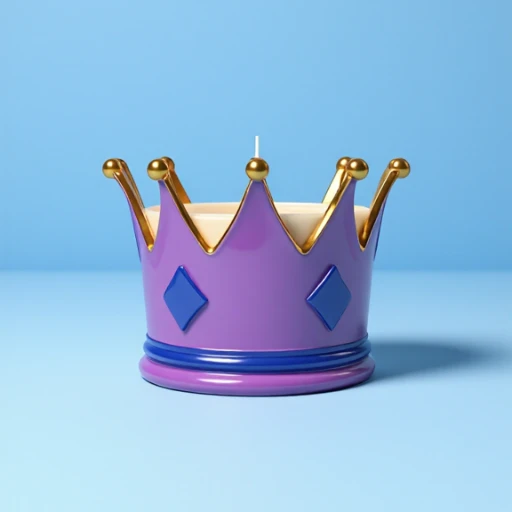
Before background removal sample
Before
After background removal sample on transparent checkerboard
Removed BG

Quick Tips


Upload

Choose the picture you want to clean up.


Remove

Click the remove button and let the tool cut out the background.


Best For

Logos, icons, buttons, text graphics, and images with plain backgrounds usually work best.


Privacy

Your image stays on your device while you work. It is not saved or kept by the tool.

Created by KrazyQueenie™

Powered through Pixel’N’Code Factory.

Image Tool

Upload + Remove

Pick your image

Choose a picture, preview it, then remove the background and download a clean cutout when it is ready.

Download as

Ready when finished

No image selected yet.

Best for: logos, buttons, icons, text graphics, and images with plain backgrounds.
Heads up: busy scenes, crowds, fine hair, or messy backgrounds may not cut out perfectly.
Your image stays on your device while you work. It is not saved or kept by the tool.

Preview

Your image preview will show here before you remove the background.

Selected image preview
Checkerboard shows transparent background only — it will not appear in your download.

Status

Ready

Choose an image to begin. Download stays off until your new file is ready.

Step 1

Upload

Step 2

Preview

Step 3

Remove

Step 4

Download